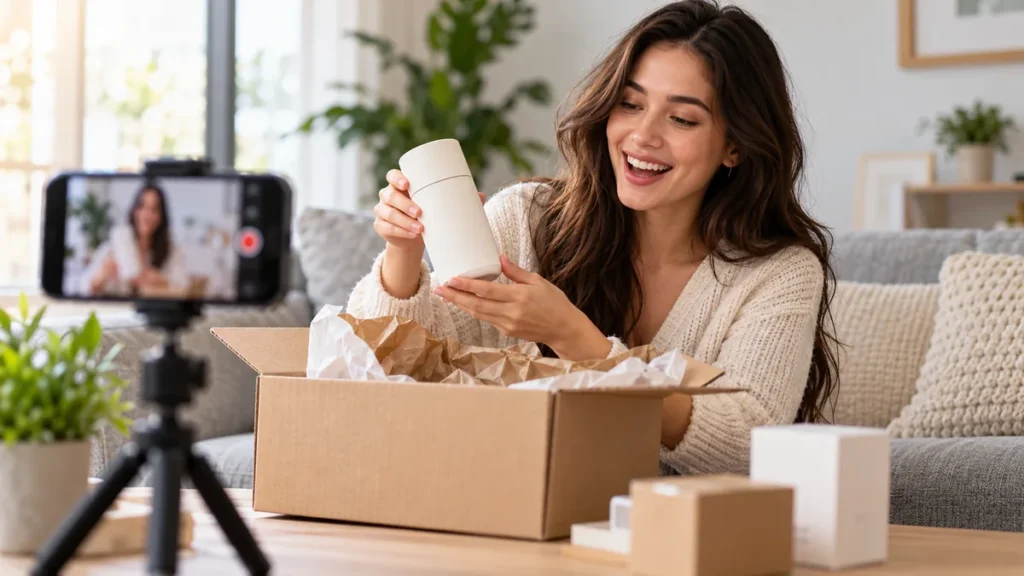
A UGC unboxing video shows a product arriving and being opened in a handheld, creator-style way. For an ecommerce brand or agency, it’s a way to show the packaging, the contents and the first handling of a product in one continuous sequence, without a studio set. This guide covers five formats with example hooks, what to put in the brief, how to plan and film one, a sample script and how to keep it honest. Nothing here promises sales, engagement or any other result.
What Is a UGC Unboxing Video?
A UGC unboxing video is a creator-style video in which someone opens a product and shows what’s inside. The usual elements are:
- the sealed package or shipping box
- the opening, including how the packaging is built
- the reveal of the contents
- a first look at the product’s details
- a brief moment of handling or use
- a short closing line
Creator-produced UGC versus an influencer unboxing post
With a traditional influencer unboxing, a creator posts a video on their own channel, for their own audience, usually in their own voice and with their own opinion.
With creator-produced UGC for a brand, the creator films agreed footage from a brief. The brand uses the finished video in its own channels, and a creator isn’t normally required to post it on a personal account. Whether the video can run in paid ads, and for how long, is agreed per project.
That difference matters for honesty. A commissioned unboxing shows how the product looks and opens. It isn’t an independent customer review, and it shouldn’t be presented as one.
Why Brands Use UGC Unboxing Videos
Brands use unboxing UGC for several practical reasons:
- It shows the product as it arrives. Viewers see the real packaging and the actual contents.
- It shows packaging and presentation. That’s useful when the box, insert or wrapping is part of the product.
- It introduces features in a natural order. The product is revealed piece by piece, so details can be explained as they appear.
- It produces assets for several uses. Footage can feed organic content and, if the agreement covers it, paid campaigns. That’s one reason many ecommerce UGC videos start as unboxings.
- It can explain without promising outcomes. The video shows what’s in the box and how things work, not what the product will do for someone.
5 Types of UGC Unboxing Videos Brands Can Create
UGC unboxing examples tend to fall into five formats. They overlap, and one video can combine them. The hooks below are illustrative, not tested lines, and any reaction a creator voices should be genuine.
1. First-impression unboxing
The creator opens the product for the first time on camera and describes what they see.
Example hook: “Let’s open this and see what’s inside.”
2. Product reveal and close-up
The package opening is short. Most of the video is on the product itself, with close-ups of materials, parts or labels.
Example hook: “Here’s the product up close.”
3. Problem-and-solution unboxing
The video starts with a situation, then opens the product that relates to it. It shows the product and doesn’t claim a result.
Example hook: “A drawer full of loose cables. Here’s what arrived to sort them.”
4. Unboxing with product demonstration
The unboxing leads straight into using the product, so viewers see what’s in the box and how it works.
Example hook: “Open it, set it up, and here’s how it goes together.”
5. Gift or premium packaging experience
The focus is the packaging: layers, inserts, wrapping and presentation, for products where that’s part of the offer.
Example hook: “This is how it arrives.”
For a wider comparison of formats beyond unboxing, see UGC video types.
What Should Brands Include in a UGC Unboxing Brief?
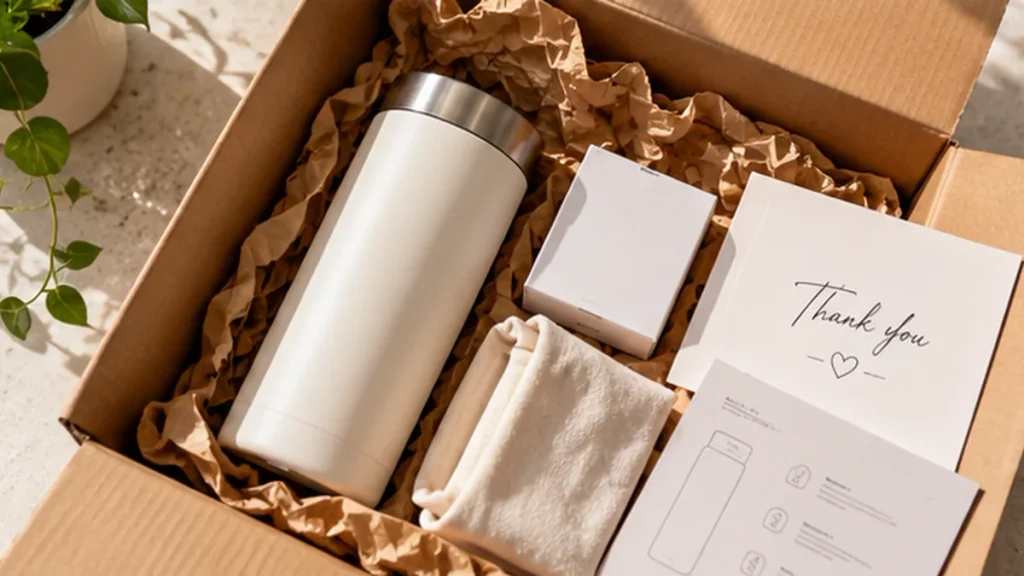
A good brief answers the questions a creator and an editor would otherwise have to guess at. For an unboxing video, prepare these items.
- Product details. The exact product and variant, what’s in the box, materials, and any facts that must be stated correctly. Mark anything the creator shouldn’t say.
- Target audience. Who the video is for, and what they need to understand: what’s included, how it looks, or how it’s set up.
- Key messages. One to three points. A video that tries to show every detail shows none clearly.
- Required shots. The sealed package, the opening, the reveal, close-ups and any detail that must be visible, such as a label or an insert.
- Hooks. One or two opening directions, plus a request for a clean take so the editor can try others.
- Product shipping. What’s sent, to whom, by when, with tracking, and whether the creator keeps the product.
- Deadlines. The date footage is due, the date edits are due and when feedback is expected.
- Video specifications. Aspect ratio, length range, caption language and delivery format. Base these on the placements you plan to use and each platform’s current requirements, not on numbers copied from an old guide.
- Usage rights. Where the video can run, whether paid ads are included, for how long, and whether edits and alternate versions are allowed. Don’t assume permanent rights.
A UGC brief template can help you put these into one document.
How to Create an Effective UGC Unboxing Video
Describe the creator you need
Say what the project needs from the person on camera: language or accent, setting, and how comfortable they should be handling the product. In a managed service such as KiwiUGC, the production team matches and coordinates suitable creators from your brief, so the brand doesn’t normally manage creators directly.
Plan hooks and shot lists
List the moments to capture and the order they happen in. A UGC shot list turns that plan into something a creator can follow on camera.
Coordinate product shipping
Send the product in the packaging customers receive, unopened. Shipping time affects the schedule, so build it in.
Capture sufficient raw footage
Ask for:
- a steady take of the whole opening
- the package and contents from more than one angle
- close-ups of details
- a clean take without speech, so the editor can build different openings
Cover or avoid shipping labels that show a personal address.
Edit for TikTok, Instagram Reels and paid ads
Editing turns raw footage into ready-to-use videos: the hook, subtitles, pacing and call to action. A product unboxing video for TikTok and Instagram can be reframed and trimmed for each placement. Check each platform’s current requirements before you finalize a version.
Review usage rights
Before you use the footage, confirm where it can run, for how long and whether paid use is covered.
UGC Unboxing Video Script Example
This unboxing video script is illustrative. It’s written for a fictional product, a desk organizer set, and it shows structure, not a real customer endorsement. It’s sized to run roughly 20 to 30 seconds at a natural pace, though the final length depends on what’s delivered. Items in brackets should be confirmed by the brand.
Hook (on-screen text: “What’s in the box?”)
“Let’s open this desk organizer set and see what’s inside.”
Package reveal
“It arrives in a flat box. I’ll cut the tape here and lift the lid.”
Product details
“Inside there are [four] pieces: [two trays, a pen cup and a card holder]. The trays are made of [material confirmed by the brand].”
Demonstration
“Here’s how the trays fit together. They slot in like this, and then everything sits on the desk.”
CTA
“If you want to see the full set, the details are on the product page.”
If a first reaction is included, it should be the creator’s own. Don’t script an opinion the creator doesn’t hold.
UGC Unboxing Video Best Practices
- Show the product as sold. Use the retail packaging and the real contents. Don’t add items customers won’t receive.
- Keep the opening continuous and accurate. Cutting the opening can make it look staged, and anything that’s part of the product should be shown as it is.
- Separate first impression from long-term use. An unboxing shows the opening. It doesn’t show how a product performs over time, so don’t present it as if it does.
- Make only claims the brand can support. Provide a list of approved and prohibited statements, and check captions against what’s said and shown.
Authentic versus misleading
An authentic unboxing records a real opening of the real product. Scripted lines are fine when they describe what’s shown. They become misleading when they invent an experience, a reaction or a result.
As a US example, the FTC’s Endorsement Guides in 16 CFR Part 255 say endorsements must reflect the honest opinions, findings, beliefs or experience of the endorser. When an ad represents that the endorser uses the product, the endorser must have been a bona fide user at the time of the endorsement. A connection that might materially affect the weight or credibility of an endorsement, and that the audience wouldn’t reasonably expect, must be disclosed clearly and conspicuously. Requirements vary by market and situation, so check yours. This isn’t legal advice.
FAQ
Is a UGC unboxing video the same as a review?
No. A commissioned unboxing shows the product being opened. A review is an independent opinion. Don’t present one as the other.
Does the creator have to post the video on their own account?
No. With creator-produced UGC, the brand uses the finished video. Whether a creator also posts is a separate arrangement.
Should the creator script their reaction?
No. Scripted lines should describe what’s shown. A reaction should be the creator’s own.
Can unboxing footage be used in paid ads?
Only if the agreement covers it. Agree the platforms, the length of use and paid use before filming.
Can One UGC Unboxing Shoot Produce Multiple Video Variations?
Yes, when the raw footage has been planned for it. Different hooks, call-to-action endings and edits can turn one shoot into several versions. One version might open on the sealed package and another on a close-up of the contents, each with a different ending.
That only works if the material exists. Ask for a clean take, extra angles and close-ups so the editor has options. Editing can rearrange and trim what was filmed, but it can’t add a moment that wasn’t. The number of versions is agreed for each project, and more versions don’t guarantee any particular result.
How KiwiUGC Handles UGC Unboxing Projects
KiwiUGC is a managed UGC content production platform. It isn’t an influencer marketplace. The process looks like this:
- You submit a brief.
- KiwiUGC matches and coordinates suitable creators.
- A creator films the raw footage from your brief.
- KiwiUGC handles editing, quality control, revisions within the agreed scope and final delivery.
Creators aren’t required to post the video on their own social accounts. The finished video is for your use, under the rights you agree. Scope, deliverables and timing are set for each project.
Bringing It Together
A strong unboxing video starts before anyone films: a clear message, a specific brief, footage planned with editing in mind, and usage rights agreed in advance. Keep it true to the product, and you’ll have footage you can adapt for different placements.
You brief us. We create it.