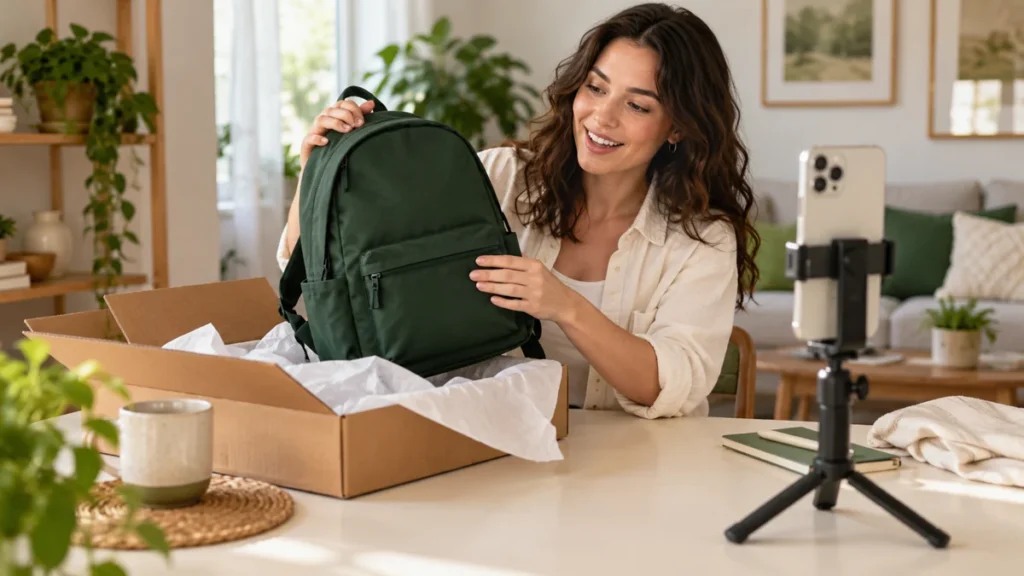
This guide is about UGC-style product videos that a brand commissions from creators. UGC is a wider term, and not all of it is commissioned. Where a finished video is posted or used is agreed separately for each project, and nothing here assumes the creator posts it on their own account.
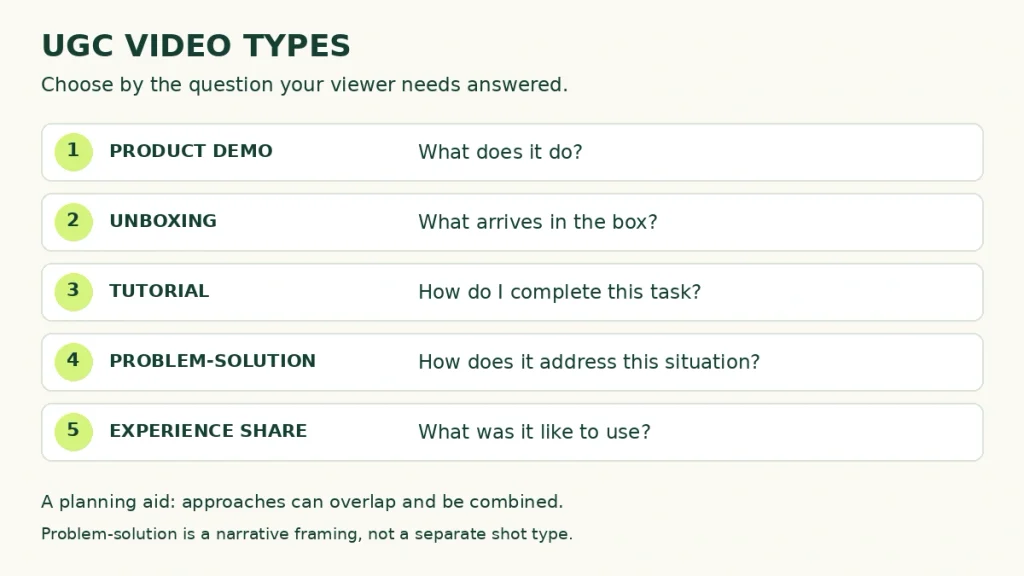
There are many ways to plan such a video. This guide compares five: product demo, unboxing, tutorial, problem-solution and experience share. They can overlap and be combined, and none is automatically best. The right choice depends on your product, what viewers need to know, what you can prepare and how the video will be used.
Four things that get mixed up
People use “UGC video type” to mean several different things. Keeping them apart makes planning easier.
| Dimension | Question it answers | Examples |
|---|---|---|
| Approach (this guide) | How is the video built? | Demo, unboxing, tutorial |
| Shot types | Which pictures are filmed? | Overview, close-up, in use |
| Opening technique | How do the first seconds work? | A question, a statement, a visual |
| Where it’s used | Where will the video run? | Product page, social, ads |
The five approaches below are a planning aid, not an industry standard.
Five approaches compared
| Approach | Viewer’s question | What to prepare | Main limitation |
|---|---|---|---|
| Product demo | What does it do, and how does it work? | A working product and the functions to show | Shows the product more than the viewer’s own situation |
| Unboxing | What arrives, and what’s in the box? | Product in its final packaging, shipped in good time | Shows little about using the product |
| Tutorial | How do I do this with it? | Checked steps and any supplies needed | Takes longer to plan and film; steps must be correct |
| Problem-solution | Would it help in a situation like mine? | A recognisable situation and an accurate account of the product | Easy to overstate; needs a demo or tutorial to show how |
| Experience share | What was it like for someone who used it? | Time for real use and room for the creator’s own view | Less control over the message; opinions may be mixed |
Problem-solution is a framing
Problem-solution organises a video around a situation and how the product relates to it. It isn’t a separate kind of footage. It usually uses a demo or a tutorial to show the “solution” part, so it overlaps with them by design.
Demo or tutorial?
Separate them by their main task. A demo mainly shows how the product works or what a feature does. A tutorial mainly walks the viewer through a specific task. They overlap: a demo can include steps, and a tutorial can show features. If you’re unsure, ask which question the video should answer first.
Other labels you’ll see
Trend or challenge content, lifestyle content, before-and-after videos and comparisons describe different dimensions: a creative idea, a setting or mood, a kind of evidence, a kind of claim. Any of them can sit inside the five approaches. Before-and-after and comparison content in particular depend on evidence you can stand behind. This guide doesn’t try to list every label.
How to choose: four questions
What does the product need to show?
If the value is in a visible action, a demo fits. If the product needs setup or has steps, consider a tutorial. If the packaging or first impression matters, unboxing can help.
What does the viewer need answered?
Pick the question from the table that matches the biggest uncertainty viewers have before they buy or use the product.
What can you prepare?
Check what’s realistic. Can the product reach the creator in time? Does the creator need time to use it first? Are the steps verified? Do you have approved wording for any claims? An approach you can’t prepare for is the wrong approach for this project.
Where will it be used?
Placement affects length and framing. Settle it in the brief. This guide doesn’t rank approaches by placement.
Combining approaches
Combinations are common: an unboxing followed by a short demo, a problem-solution framing around a tutorial, or an experience share that includes a brief demonstration. Give each video one main job, because every approach you add increases filming and running time. Record the combination in the brief and the shot list so the creator knows what to film.
Experience shares and testimonials: keep them real
An experience share or testimonial has to rest on real use and the creator’s real opinion. Don’t give a creator a customer identity, a backstory or an experience to perform. If a message isn’t the creator’s own experience, use a demo or a tutorial and don’t present it as one.
Being paid, or receiving a free product, isn’t the issue. A creator can be commissioned. What matters is that the video honestly reflects their own experience, and that the relationship is disclosed clearly where the applicable rules require it.
In the US, for example, the FTC’s Endorsement Guides say endorsements must reflect the honest opinions, findings, beliefs or experience of the endorser, and that an endorser who is presented as using a product must have been a bona fide user when giving the endorsement. For when and how to disclose a relationship, see the FTC’s Disclosures 101 for Social Media Influencers. Rules differ by country and platform, and this isn’t legal advice.
Illustrative examples: choosing for hypothetical products
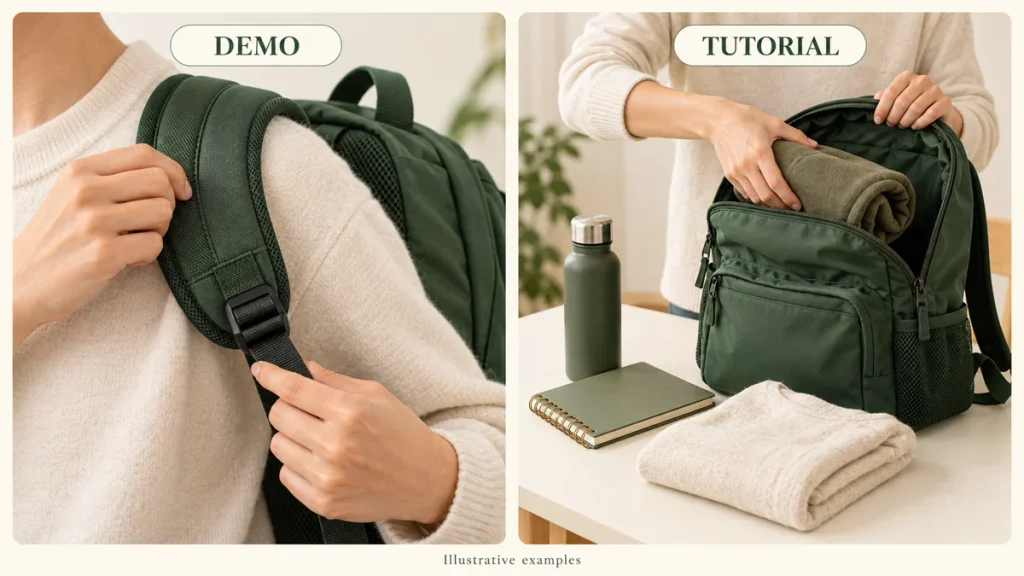
These are illustrative examples for hypothetical products. They aren’t client projects, and they don’t imply any results.
| Hypothetical product | Viewer’s question | Possible approach | What to prepare |
|---|---|---|---|
| Folding desk that needs assembling | How do I set it up? | Tutorial | Checked assembly steps and the tools needed |
| Gift-boxed tea sampler | What arrives, and how is it presented? | Unboxing | Final packaging, with time to ship |
| Handheld garment steamer | What does it do when I switch it on? | Demo | A working unit and the functions to show |
| Everyday backpack | What was it like to use? | Experience share | A planned period of real use before filming, set by the project (for example, a week), and the creator’s own view |
For the backpack, the week of use is a planned condition of the project, not something that has happened. Nothing about the creator’s experience is written in advance.
Put your choice in the brief
Write the chosen approach, or combination, in the video-format field of your brief. Then turn it into individual shots in a shot list. If you chose an experience share, note the agreed time for real use there too.
Common mistakes when choosing a format
- Choosing by trend instead of by what viewers need to know.
- Asking one video to do every job.
- Providing only unboxing footage when viewers need to see how the product is used.
- Asking for an experience share without time for real use.
- Scripting an experience the creator hasn’t had.
- Forgetting the shipping time before filming can start.
- Treating the labels as separate boxes, when they overlap.
FAQ
Which UGC video type is best?
No single approach is best. It depends on your product, what viewers need answered, what you can prepare and where the video will be used.
Can one video combine several approaches?
Yes. Give it one main job and plan the extra filming that each added approach needs.
Is an unboxing video a testimonial?
It depends on the content and context, not on the label “unboxing.” A video that only shows what arrives and how it’s opened presents the product. But reactions, opinions or recommendations inside an unboxing can also come across as an endorsement.
It helps to separate a first impression from experience after longer use. A first-look unboxing reflects first contact with the product and shouldn’t suggest use that hasn’t happened yet. Comments about how a product performs over time should rest on use the creator has actually had. Whether a particular video counts as an endorsement or testimonial is a question for the applicable rules and your own legal adviser.
Does the creator have to post the video on their own account?
No. Where a video is posted or used is agreed for each project.
Send your format choice to KiwiUGC
If you’re planning a UGC-style product video, you can send your brief to KiwiUGC. KiwiUGC coordinates creators to film products against a confirmed brief and manages editing, feedback and delivery. The format, the time creators need to use the product, and the deliverables are confirmed for each project.