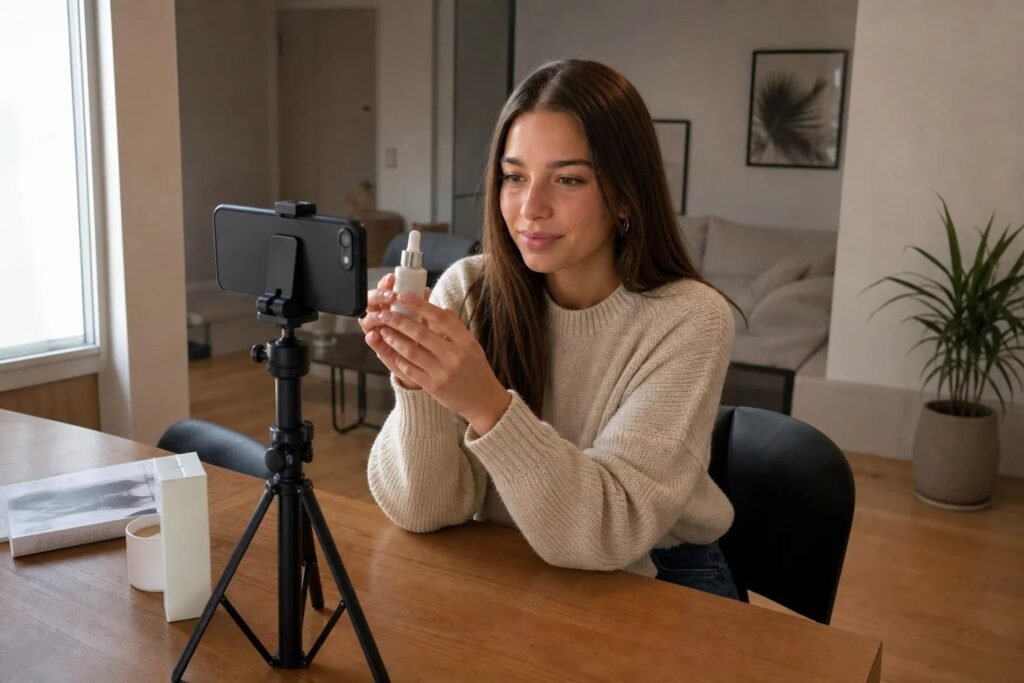
A UGC product demo video shows one product doing one job, filmed in a creator-style way, so a viewer can see how it works before deciding anything. Most weak demos go wrong before filming starts: the brief tries to show everything, so the video shows nothing clearly. This article covers how to plan a demonstration, which shots to request and how to brief it. A full UGC brief template and a complete shot list are separate subjects, so the focus here is what’s specific to demos.
What a UGC product demo video is
A demonstration shows how a product is used and what it does. The viewer should finish the video knowing something they didn’t before: how a step works, what a feature looks like in use, or how the product handles a particular situation.
It differs from two nearby formats:
- Unboxing. The subject is the first look at the package and its contents. A demo can start with the product already out of the box and spend its time on use.
- Testimonial or review. The subject is a person’s opinion or experience. A demo is mainly about what the product does, and what’s visible should carry the video.
One more distinction matters. A video a brand commissions and a creator films from a brief is a commissioned demonstration. It isn’t an independent customer review, and it shouldn’t be presented as one.
Choose one thing to demonstrate
Pick a single function, customer question or use case, and state it in one sentence: “Show how the lid locks.” “Show how it packs flat.”
Most products have several features, and a demo that tries to cover them all turns into a list. If you have several things worth showing, they can become separate videos. Good candidates are the thing customers most need to understand, or the thing that’s hardest to see in a still photo.
Plan the demonstration in four parts
Keep the structure simple.
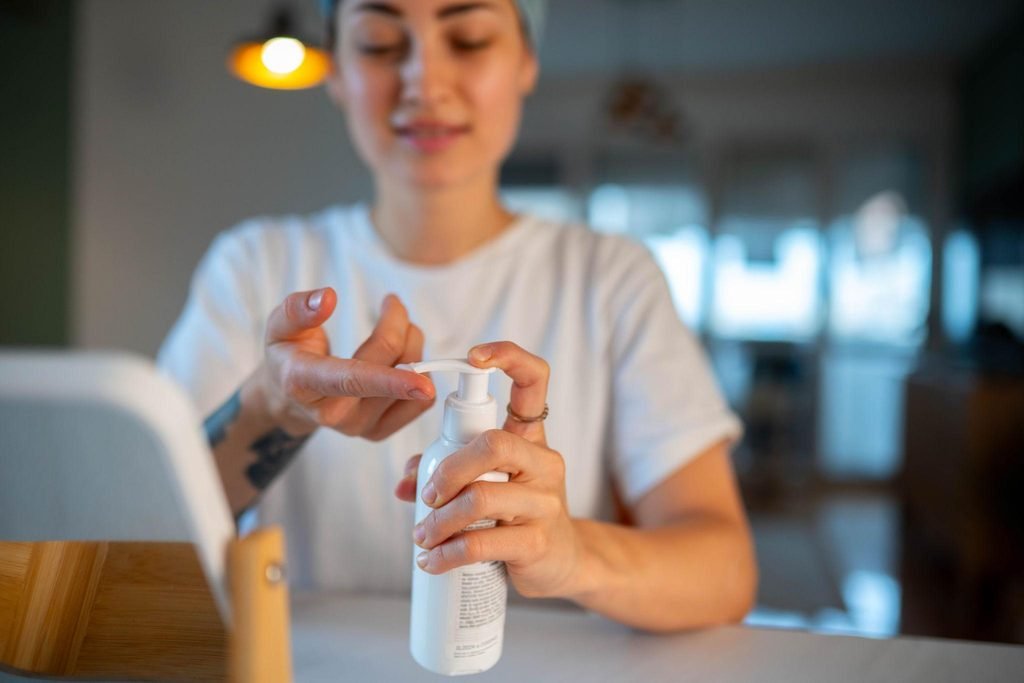
A clear beginning
Show the product and say what the video will show. One line of text or speech is enough. Don’t open with a claim the video can’t prove.
The demonstration itself
Show the steps in the order a user would do them, with hands and product in frame. A viewer should be able to follow without guessing what happened between steps.
Proof and details
Add close-ups of the parts that matter, such as the mechanism, the material, or the size next to a familiar object. Include only what’s true of the product, and confirm any measurement before it appears.
A relevant ending
End on a clean shot of the product. Add a call to action only if the brand has one that fits. It doesn’t have to tell people to buy; it can point to more information.
Shots to request
Adjust this list to the product:
- Product overview. The whole product, clean and steady, so viewers know what they’re looking at.
- Hands-on steps. Each step of the demonstration, filmed so the action is visible.
- Close-ups. The mechanism, the label, the texture or the detail the demo depends on.
- Contextual use. The product in a normal setting, so viewers see where it fits.
- Before and after. Only if the difference is genuine and the brand can substantiate it. Don’t stage a result.
- Optional reaction. Only if the creator’s reaction is real. Don’t script one.
- A clean finishing shot. The product alone and held still, usable as an ending or a cutaway.
A full UGC shot list also covers numbering, takes and file names, which is a separate topic.
How to brief the creator for a demonstration
Cover what’s specific to the product:
- Product handling. How to open, hold, use and put it away, so the demonstration is correct.
- Spoken lines. Whether you’ll supply lines, give talking points or leave it open. Lines should describe what’s shown, in the creator’s own words where possible.
- Visual requirements. What must be visible, such as a label or a particular step, and what shouldn’t be, such as other brands.
- Safety. Any warnings, age limits or steps to avoid.
- Prohibited claims. A list of things not to say, such as performance or health claims the brand can’t support.
- Framing. Where the hands, product and any text should sit so the action stays in view.
- Audio. A quiet place, and whether natural sound should be kept.
- Lighting. Even light, without shadows that hide the action.
Put everything the creator needs in the brief, including the approved information about the product.
Capture enough usable footage
A demo is easier to edit when the filming gives the editor options:
- Film the key step more than once, each time with a steady take.
- Capture it from a second angle, such as a wider view and a close-up.
- Hold each shot for a moment before and after the action.
- Record a clean take without speech, so the editor can build different openings.
None of this guarantees a particular number of videos. It gives the edit something to work with. What is delivered is agreed for each project.
Keep claims honest
Check what the video says, not only what it shows. Don’t state a result the demonstration doesn’t show. Don’t present a creator as an existing customer giving a spontaneous opinion when they’ve been commissioned and briefed.
As a US example, the FTC’s Endorsement Guides in 16 CFR Part 255 say endorsements must reflect the honest opinions, findings, beliefs or experience of the endorser. When an ad represents that the endorser uses the product, the endorser must have been a bona fide user when the endorsement was given. A connection that might materially affect the weight or credibility of an endorsement, and that the audience wouldn’t reasonably expect, must be disclosed clearly and conspicuously. Requirements vary by market and situation, so check yours. This isn’t legal advice.
Common mistakes and how to prevent them
- Showing too many features. Choose one thing to show.
- Hands blocking the product. Specify the framing in the brief.
- A skipped or unclear step. Write the steps out and ask for each to be filmed in full.
- Out-of-focus close-ups. Ask for a steady hold on each detail.
- Unsupported claims. Provide a list of approved and prohibited statements.
- Poor sound or light. Name the filming conditions in the brief.
- Staged results. Don’t request a before-and-after that didn’t happen.
An illustrative example
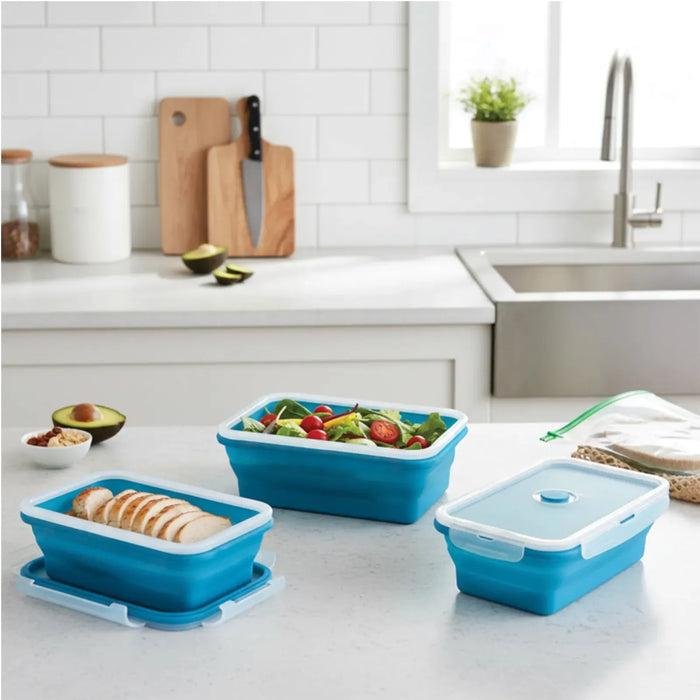
This is an illustrative example using a fictional product, not a real client project.
The product is a collapsible silicone lunch container. The brand chooses one thing to show: how it folds flat when it’s empty. The steps follow the order a user would do them, so the footage cuts together cleanly.
- Beginning: the container lying folded on a counter, with a line of text: “How this container folds flat.”
- Demonstration: the creator unfolds the container, then shows it in use, holding a few ordinary items with the lid on. They then empty it and fold it flat, with every step in full view.
- Proof and details: a close-up of the fold lines, and the folded container beside a familiar object to show its folded size, with the dimensions confirmed by the brand.
- Ending: a clean shot of the folded container, and an approved call to action if there is one.
Claims such as “leakproof” or “dishwasher safe” stay out unless the brand has confirmed them. The brief also asks for a second angle and a clean take with no speech.
Checklist for marketing teams
- One function, question or use case is chosen and stated in a sentence.
- The beginning, demonstration, proof and ending are outlined.
- The shots are listed, including close-ups and a clean finish.
- Before-and-after footage is requested only if it’s genuine and substantiated.
- Product handling, safety notes and prohibited claims are in the brief.
- Framing, audio and lighting are specified.
- Alternate angles and a clean take are requested.
- Measurements and claims are confirmed before filming.
- The video isn’t presented as an independent customer review.
FAQ
Does a UGC demo need a before-and-after?
No. Many demonstrations work without one. Include it only if the difference is genuine and the brand can substantiate it.
Does the creator have to say they’re a customer?
No. A commissioned demonstration shows how the product works. A creator should say they use the product, or give an opinion, only if it’s true. Don’t script a claim of long-term use.
How long should a product demo video be?
There’s no universal answer. It needs to be long enough to show each step clearly. Don’t cut a step to hit a length.
Can one demonstration produce several openings?
If the footage supports it, yes. A clean take and alternate angles give the edit more to work with. The number of versions is agreed for each project.
Start a UGC Project
KiwiUGC is a managed production service. You brief KiwiUGC, which coordinates suitable creators, oversees production, and manages editing, quality checks, revisions within the agreed scope and final delivery. Scope, deliverables and timing are agreed for each project.
Start a UGC Project when you have a product demonstration you’d like to plan and film.